
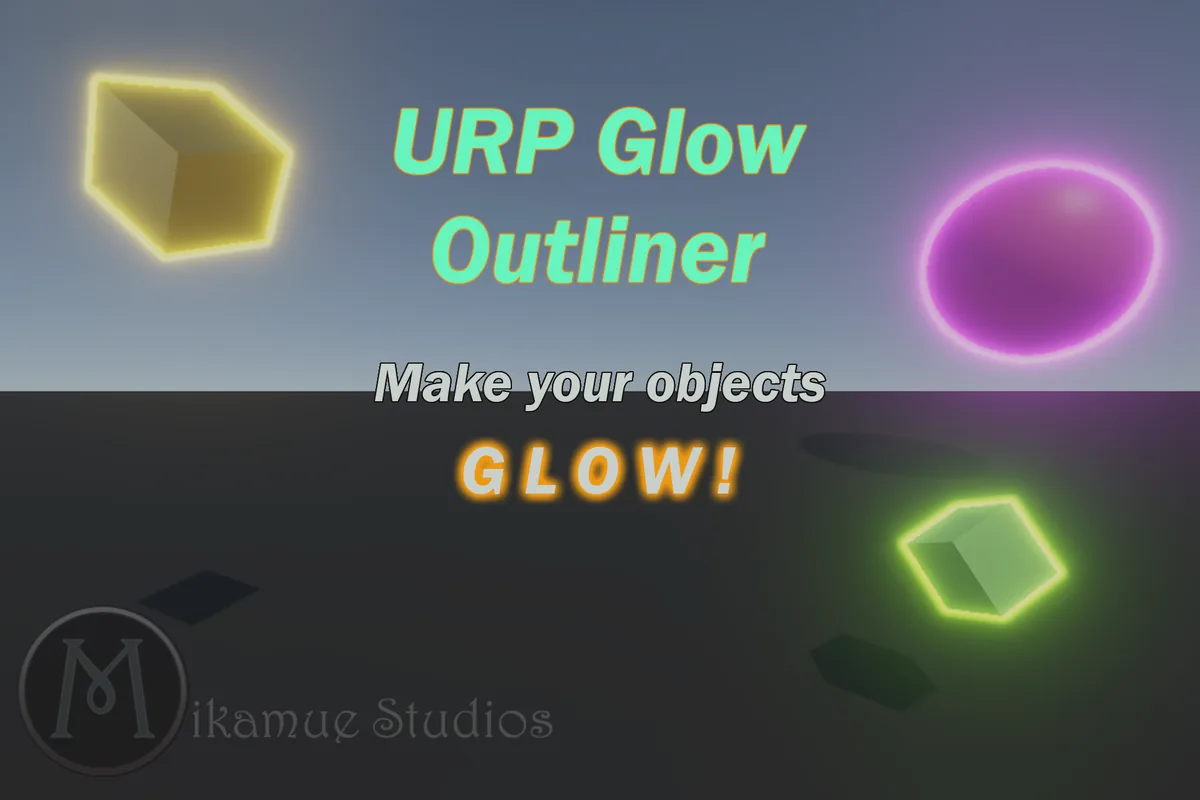

URP Glow Outliner
A bloom-ready, vibrant-glow object outline system for Unity's Universal Render Pipeline. Easy to set up and use, URP Glow Outliner is perfect for highlighting collectibles, enemies, interactive objects or selected units.
Get it on the Asset Store
This will take you to the Unity Asset Store, where you can view and purchase a URP Glow Outliner license for your Unity game dev projects.
Documentation (PDF)
The setup guide and feature overview for URP Glow Outliner.
Features
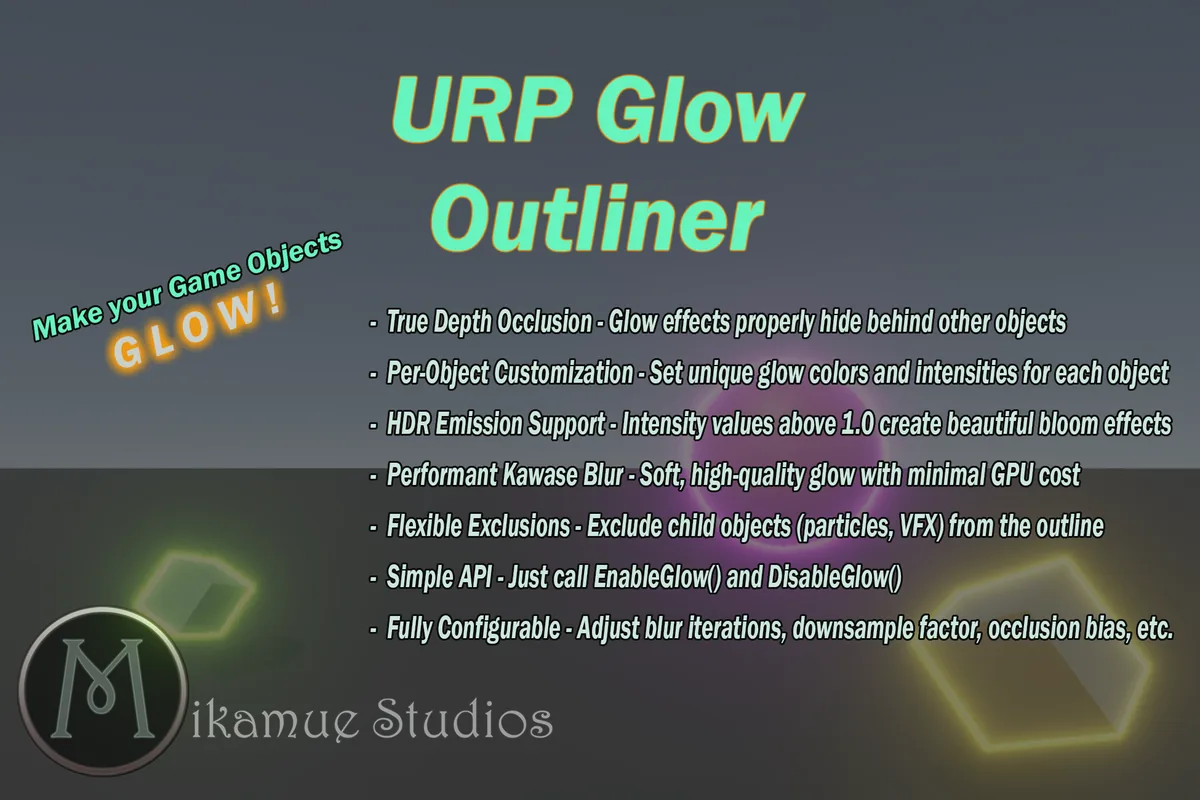
- True depth occlusionCloser objects correctly occlude outlines, without visual artifacts.
- Per-object settingsA unique glow color and intensity for each object.
- HDR emissionIntensities above 1.0 feed straight into bloom.
- Fast Kawase blurSoft, high-quality glow at minimal GPU cost.
- ExclusionsLeave child objects such as particles and VFX out of the outline.
- Simple APIEnableGlow(), DisableGlow() and ToggleGlow(). A mouse-hover demo script is included.
Setup in three steps
- Import the package from the Package Manager.
- On your URP Renderer asset, click Add Renderer Feature and pick Glow Outline Renderer Feature. The defaults work well for most projects.
- Add a Glow Outline Target component to any object you want to glow, and set its color and intensity.
Good to know: occlusion is calculated with depth dilation, so very tall or large objects may not occlude perfectly. The renderer feature's settings can tune this.
Screenshots
Support
Questions or problems? Contact us with your Unity and URP versions.